MAYA PRO
Autodesk Maya Pro
Master the industry-standard 3D application
- Hours
- 192 hrs
- Duration
- 8 months
- Fee
- On enquiry

Focused certification, not a placement-track programme
This is a single-tool certification, not MAAC's full career programme. If you want the complete studio pipeline for 3D Animation instead, the full course covers it — with placement assistance and scheme eligibility this short course doesn't carry.

Where this is used in the industry
Autodesk Maya is the primary modelling, rigging and animation application behind most VFX-heavy feature films and a large share of AAA game cinematics — it sits at the centre of the pipeline at studios worldwide.
Studios hire specifically for Maya proficiency because rigs, shading networks and animation pipelines built in it rarely transfer cleanly to another package, so fluency in the tool itself is a distinct, hireable skill.

What you'll learn
- Polygon and NURBS modelling for hard-surface and organic forms
- UV layout and texturing workflows feeding into Arnold
- Rigging: joints, skinning and basic control setups
- Keyframe animation principles and the graph editor
- Lighting and rendering a finished shot in Arnold

Software toolkit
The industry-standard applications this course is built around.
- Autodesk Maya
- Arnold
Adobe, Unity and all other product names listed are trademarks of their respective owners. MAAC Whitefield is an independent training provider and is not affiliated with, sponsored by, or endorsed by any of these companies.

Who this course suits
Working professionals in an adjacent field (architecture, product design, illustration) who need one specific 3D skill for their current job
Students who have already tried a general animation programme elsewhere and want to specialise in the one tool the industry actually asks for
Freelancers building a Maya-specific reel to pass a studio's technical test

What you'll be able to make

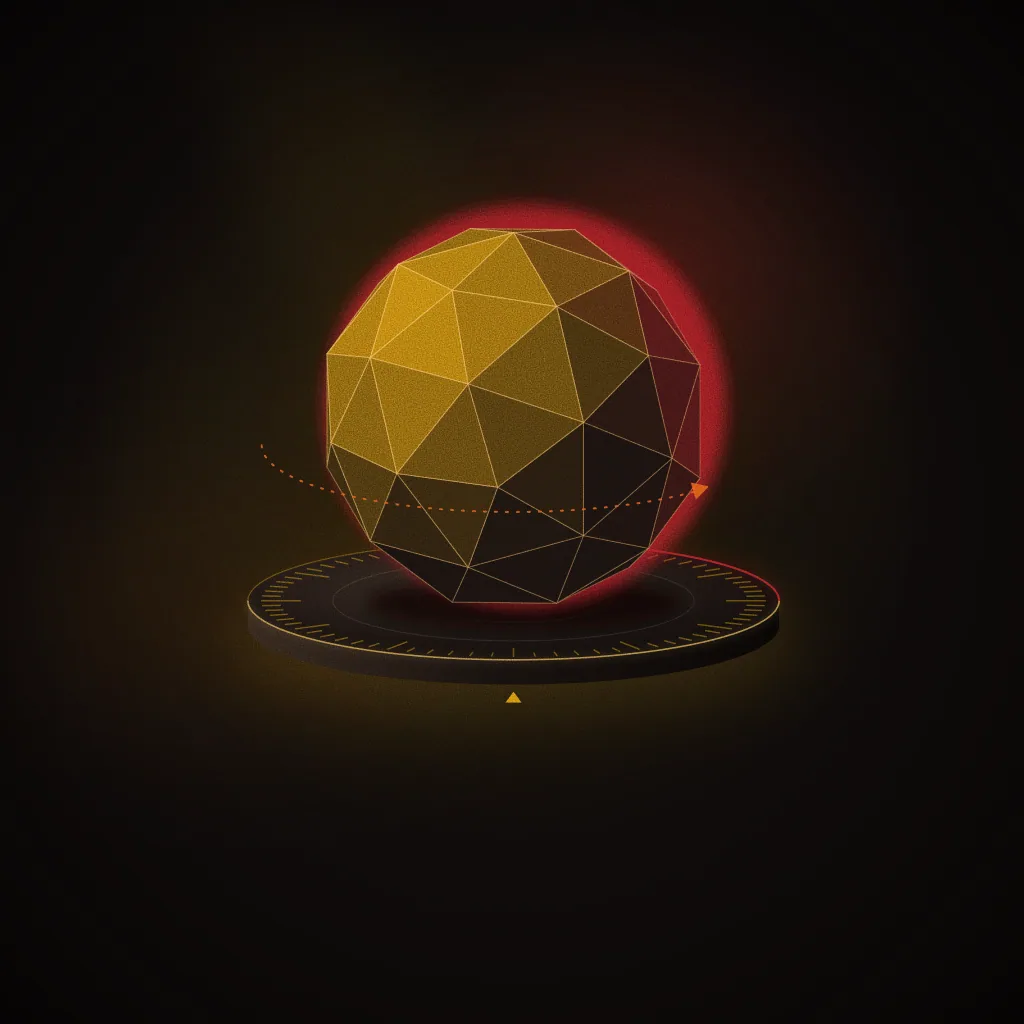
A modelled and UV-unwrapped hard-surface or character asset
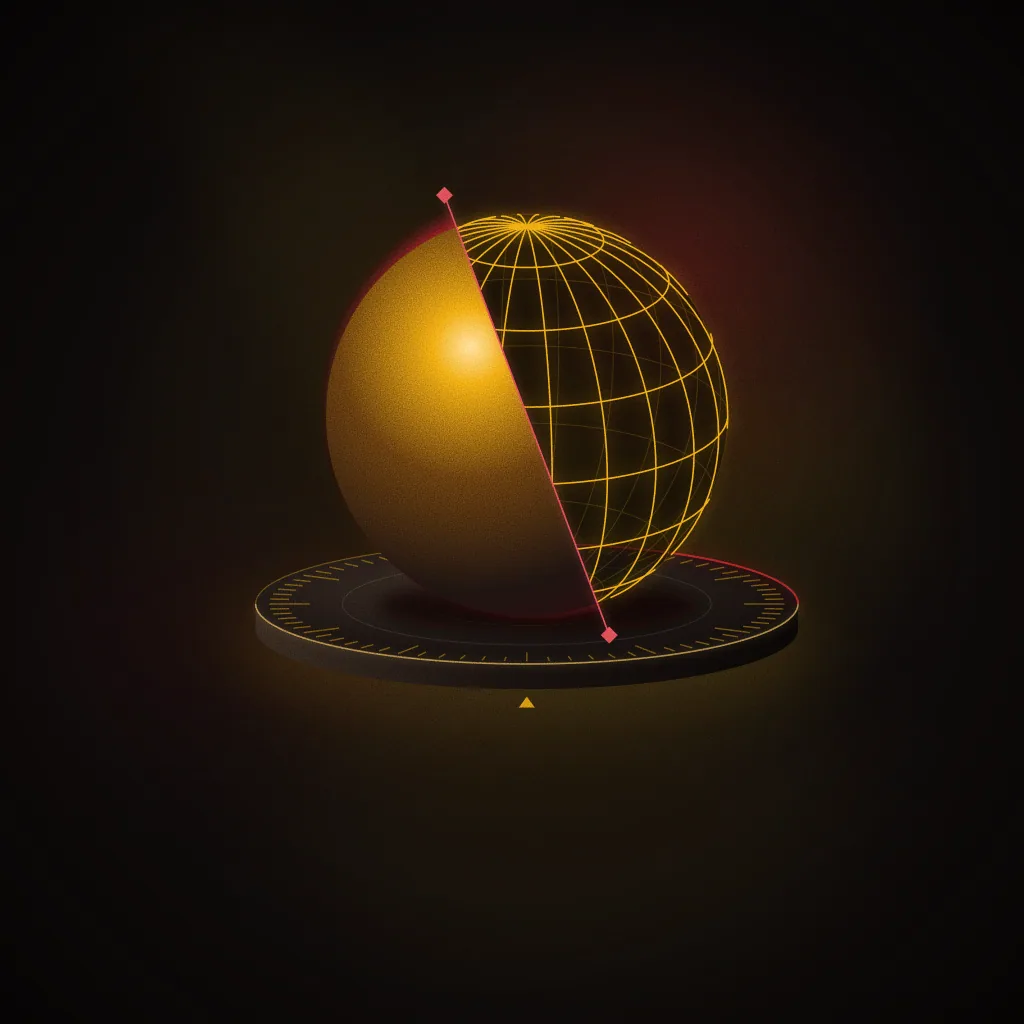
A basic rigged and skinned character ready for animation
A short keyframe animation cycle (walk or action cycle)

A lit and rendered turntable of a finished asset
Illustrations of the kind of work this course builds towards, not student work. Photographs of real MAAC Whitefield student projects will replace them as batches graduate.

Career outcomes
The roles this course prepares you for in studios, agencies and production houses.
3D Artist
3D Modeller
Animator

Fees & EMI
Fee shared at counselling
This course's fee is confirmed one-to-one so we can factor in any scheme discount you're eligible for. Nothing is hidden — ask and we'll share it immediately.

Batches & seats
Live seat availability for every upcoming batch of this course.
Mon–Wed–Fri, 10:00–13:00
Sat–Sun, 10:00–14:00
Provisional batches are a planning calendar anchored to the centre's opening date, not a confirmed schedule yet. Confirmed batches replace these as they're announced.

Request a callback about MAYA PRO
Share a few details and a counsellor will WhatsApp or call you back at a time that suits you — no call centre, no spam.

Frequently asked questions
MAYA PRO runs for 8 months, covering 192 hours of instruction.
Open to all.
MAYA PRO trains you on 2 industry-standard applications — see the toolkit list on this page.
The fee for MAYA PRO is confirmed one-to-one at counselling. Use the enquiry form on this page to get it directly — nothing is hidden behind a sales call you didn't ask for.
Yes, EMI is available for MAYA PRO. A counsellor will share the plan options.
The next batch is Weekday Batch — November 2026. Seats are limited — enquire to confirm availability.
No. MAYA PRO is a focused, single-tool certification, not a placement-track programme. If you want the complete studio pipeline instead, ask a counsellor about the matching full career course.
Yes. A counsellor can advise how MAYA PRO maps onto a full career programme covering the same software.